Sticker Chart for Kids: Fill It on the Screen
Pick the goal, the boxes and the stickers. Your child taps a box to add a sticker, and the prize waits at the end.

Sticker chart
A sticker chart for the potty, boxes, with star stickers and a small prize at the end.
Tap the pink words to change them
More options
Potty chart
0 of 10 stickers
Add a real sticker for each box on the printed chart.
Use it as a cheer, not a deadline. If a day goes badly, skip the sticker and start fresh tomorrow.
Also handy
Affiliate links. As an Amazon Associate I earn from qualifying purchases.
rosyandhush.com/resources/sticker-chart
Let them put the sticker on, right after, every time they try, not only when it works. Ten boxes is plenty for a first chart.
— NoraHow to use it
- Pick the goal first, then how many boxes. The pink words in the sentence at the top are the settings: tap one to change it.
- Let your child choose the stickers. A star, a heart, a flower, a butterfly or a smile: it’s their chart, and a choice they made is one more reason to come back to it.
- Pick the prize together, and say it out loud before the first sticker goes on.
- Hand over the screen. Tap a box to add a sticker, tap it again to take it off. Full screen takes away everything but the chart, and keeps the screen on.
- Add their name under More options if you’d like it on the title.
Keep it short and easy to win
A chart with too many boxes feels endless to a small child. Ten is plenty for a first one, and five is fine for the youngest. When the chart is full, make another one a little longer if they’re still enjoying it.
The sticker goes on right away. A sticker that comes at the end of the day is a sticker the moment has already passed. If you’re not near the screen, a printed chart on the fridge does the same job: add a real sticker to each box.
Choose the prize together
The prize can be small and doesn’t have to cost anything: a trip to the park, a new library book, a family game night. What matters is that it’s something they really want and that you both agreed on it before you began. The tool keeps the prize on the screen the whole time, faded until the last box, so they can see what’s coming.
For potty training
On the potty, I put the sticker on after every try, not only after a success. The chart is there to cheer, not to keep score, so if a day goes badly I skip the sticker and start fresh tomorrow. The tool says the same thing under the chart whenever the goal is the potty.
If you want more on setting one up, I wrote a plain guide to using a potty training sticker chart the right way, a free printable that works away from home, and a list of reward ideas under $3.
Beyond the potty
Mornings, bedtime and small jobs around the house all work the same way. For a younger child who needs picture tasks, this guide to a chore chart a toddler won’t quit shows how to keep the jobs simple and the reward quick.
A few things for the printed chart
You don't need anything to use the chart on the screen. If you print it, or want a paper chart on the fridge too, these save a little hassle.
- a roll of 500 rainbow star stickers: one-inch stars in eight colors, so one roll fills a printed chart and leaves plenty for the next one
- a pack of 1,800+ animal stickers: sixteen animal themes on tear-apart sheets, handy as a refill or for a child who wants a different sticker every day
- a pack of 80 blank paper reward charts with 2,160 star stickers: for a paper chart on the fridge too; the stars come in the box, so there's nothing else to buy
Some links here are affiliate links. If you buy through one, I may earn a small commission at no extra cost to you. As an Amazon Associate I earn from qualifying purchases.
Pictures: Phosphor Icons (MIT license).
Questions parents ask me about this
How many boxes should a sticker chart have?
Ten is a good first chart. It's short enough that the prize doesn't feel far away. The tool goes from 5 to 20 boxes, so you can start with 5 for a very young child, and make the next chart longer once the first one is full.
How do I use a sticker chart for potty training?
Choose the prize together before you start, and let your child put on the sticker right after every try, not only when it works. If a day goes badly, skip the sticker and start fresh tomorrow. A chart is a cheer, not a deadline, and it can't tell you when your child is ready.
What if my child taps the wrong box?
Tap the box again and the sticker comes off. Any box can be filled in any order, so the chart works for goals that don't happen in a set sequence.
What happens when all the boxes are full?
The prize card lights up. Your child taps it to claim the prize, and the chart shows it as done. Press Start over for a fresh chart with the same settings.
Can I print the chart?
Yes. Print gives you the title, the empty numbered boxes and the prize, without the buttons. Add a real sticker to each box as your child earns it.
Where is my child's chart saved?
On this device, in this browser only. Nothing is sent anywhere and there is no account. If you clear your browser data or switch phones, the chart starts over.
Can I use it for something other than the potty?
Yes. Pick mornings, bedtime or helping out. One goal per chart works best, so make a new chart when the goal changes.
Keep reading
The routines behind this tool, from the blog.
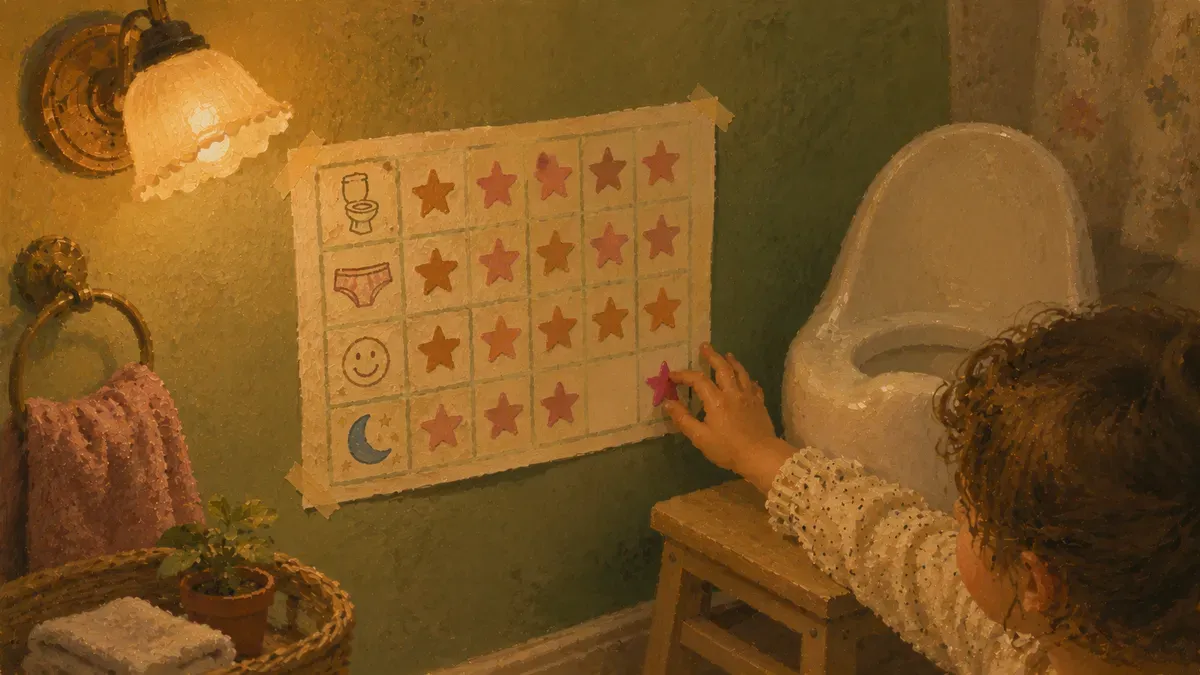
Potty Training Sticker Chart: How to Use One Right
Skip the candy. A potty training sticker chart turns toilet wins into real motivation in days. Set one up right and keep it working.
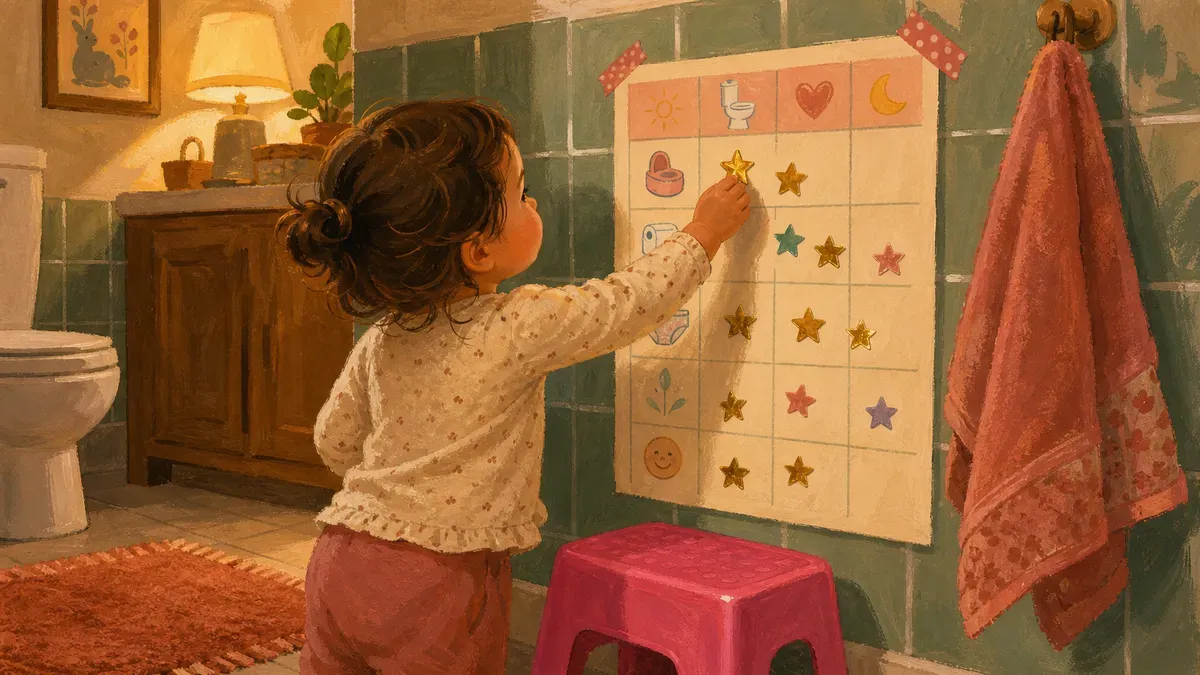
Potty Training Sticker Chart Printable (Free Download)
Free potty training sticker chart printable that survives travel and routine resets. Print, sticker, reward, reuse anywhere. Download now.
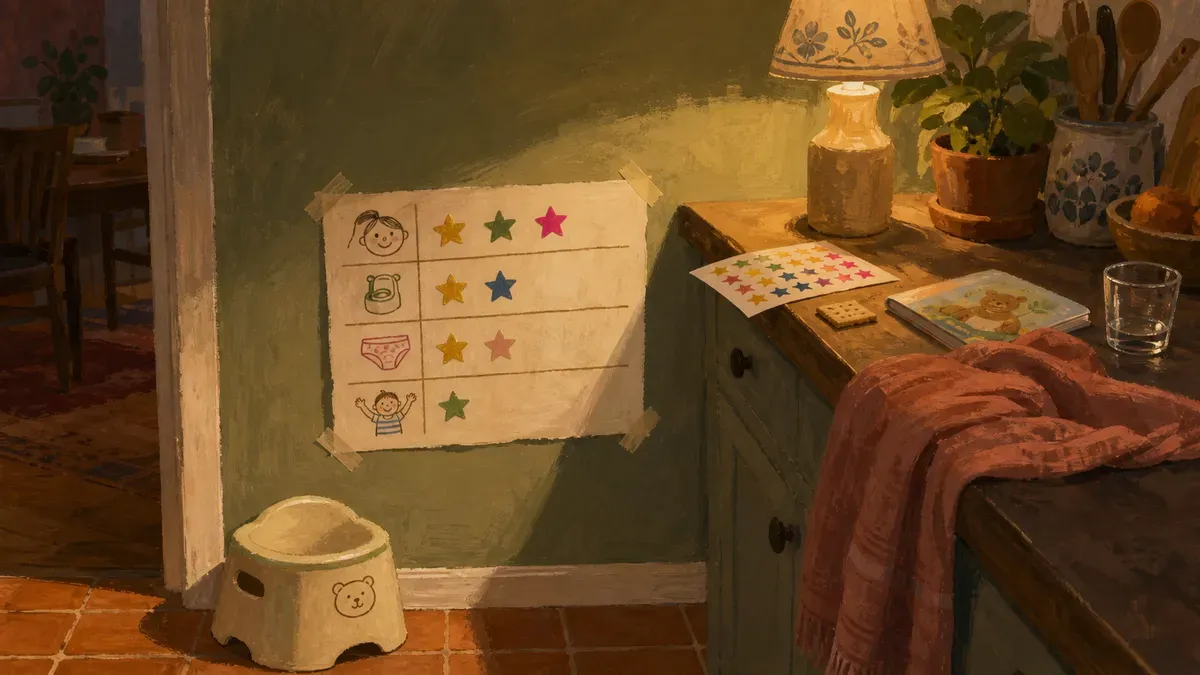
Potty Training Reward Chart: 20 Ideas Under $3
Skip the toy aisle: build a potty training reward chart with 20 ideas under $3 you already own. Grab the plan that motivates a stubborn toddler.

How to Make a Chore Chart a Toddler Won't Quit
Make a chore chart your toddler can't quit, even at 5-minute patience. Instant rewards, picture tasks, 3 jobs that build habits. Start today.

Written by
Nora Hayes
Mom of two and a former preschool aide. I share the screen-free sensory play and calm-down ideas I test at my own kitchen table, plus what the moms in my little meet-up swear by. A parent passing on what works, not a doctor or a therapist.
More about Nora