Visual Schedule for Kids: Follow the Routine Step by Step
Pick a routine and change the steps to fit your day. Your child taps each step when it's done, and the next one lights up.

Visual schedule
A visual schedule for the morning routinethe morning.
Tap the pink words to change them

More options
0 of 5 done
The steps
- Toilet
- Get dressed
- Eat
- Brush teeth
- Shoes on
Also handy
Affiliate links. As an Amazon Associate I earn from qualifying purchases.
Hang it where the routine happens, at your child's eye level.
rosyandhush.com/resources/visual-schedule
Walk through it together the first time, then let them do the tapping. If a step keeps getting stuck, split it in two.
— NoraHow to use it
- Tap the pink word after “for” and pick a routine: the morning, bedtime, bath time or going out. You can start from your own steps instead.
- Look at The steps. Take out what your child doesn’t need, move a step up, or add one with Add a step.
- Hand over the phone or tablet, or press Full screen so the schedule fills the display. The big card shows the step to do now.
- When the step is done, your child taps the card. It moves to the next one. The row of round pictures under it shows where they are, and tapping one jumps there.
- Start over puts the schedule back at the first step. You can also print the steps, one card per line, and cut them apart.
Start with fewer steps
A long schedule looks like a long list of demands. Begin with the steps that stall the morning, and leave out the ones your child already does without being asked. That’s often shoes and teeth rather than “eat breakfast”. When those get easy, add one more.
If you’ve never made a visual schedule, my beginner’s guide for parents walks through the first week. For a child who needs more predictability, setting up a visual schedule for an autistic child at home covers how to do it without overwhelming them.
Do the first one together
The first time, walk through the schedule with your child. Say the step, tap the card together, and say the next one. The second day, let them do the tapping. If one step keeps getting stuck, split it in two: “shoes” can become “get your shoes” and “put your shoes on”.
If you’d like a clock to go with a step, the visual timer shows the time left without numbers. For just two steps, the first-then board is quicker. Parents of toddlers will find a five-step schedule template for toddlers a good starting point. And if your child works with a therapist, this printable shower schedule for therapy at home shows how a single routine gets broken into steps.
Everything stays on your device
Your steps and your child’s place in the routine are saved in this browser only. Nothing is uploaded and there’s no sign-up. If you share the phone with a babysitter, Clear saved settings at the bottom of the page puts everything back the way it was.
This is a tool for ordinary days. For a child who works with a speech or occupational therapist, their plan comes first.
A few things that make it easier
The schedule above runs on any phone or tablet. If you'd also like one on the wall, these are the two things I'd look at.
- a felt visual schedule board: a felt board with picture cards your child can move from the "to do" side to the "done" side, so the routine has a place to live by the door
- sticky-back hook-and-loop dots: a dot on each homemade card and a dot on the board, and your child can pull a finished card off by themselves
Some links here are affiliate links. If you buy through one, I may earn a small commission at no extra cost to you. As an Amazon Associate I earn from qualifying purchases.
Pictures: Phosphor Icons (MIT license).
Questions parents ask me about this
What is a visual schedule?
A row of pictures that shows what happens next, in order. Your child can look at it instead of asking, or being told, again and again. Many kids find a routine easier to follow when they can see it. You can make one on paper, or use the schedule above on a phone or tablet.
How many steps should a visual schedule have?
Fewer than you think. Start with the three or four that trip your child up, and add more once those are easy. The tool lets you keep between two and eight steps, and it shows a short note from me when the list gets long.
Can I change the steps?
Yes. Pick a routine to start from, then remove a step, move one up, or add another from the list. As soon as you change a step, the routine becomes "your own" and keeps your steps.
Can the schedule read the steps out loud?
Yes, with the voice your phone or tablet already has. Tap the speaker on the card, or let it say the next step when your child taps the card. If your device has no voice, the option says so and the speaker disappears.
Is there a timer for each step?
There's an optional one. Turn it on in More options and choose how many minutes. It restarts on every step and runs quietly: when the time is up, the card lights up and nothing beeps.
Is anything saved or sent?
Your steps and your child's place in the routine are saved in this browser, on this device only. Nothing is uploaded and there's no sign-up.
Keep reading
The routines behind this tool, from the blog.
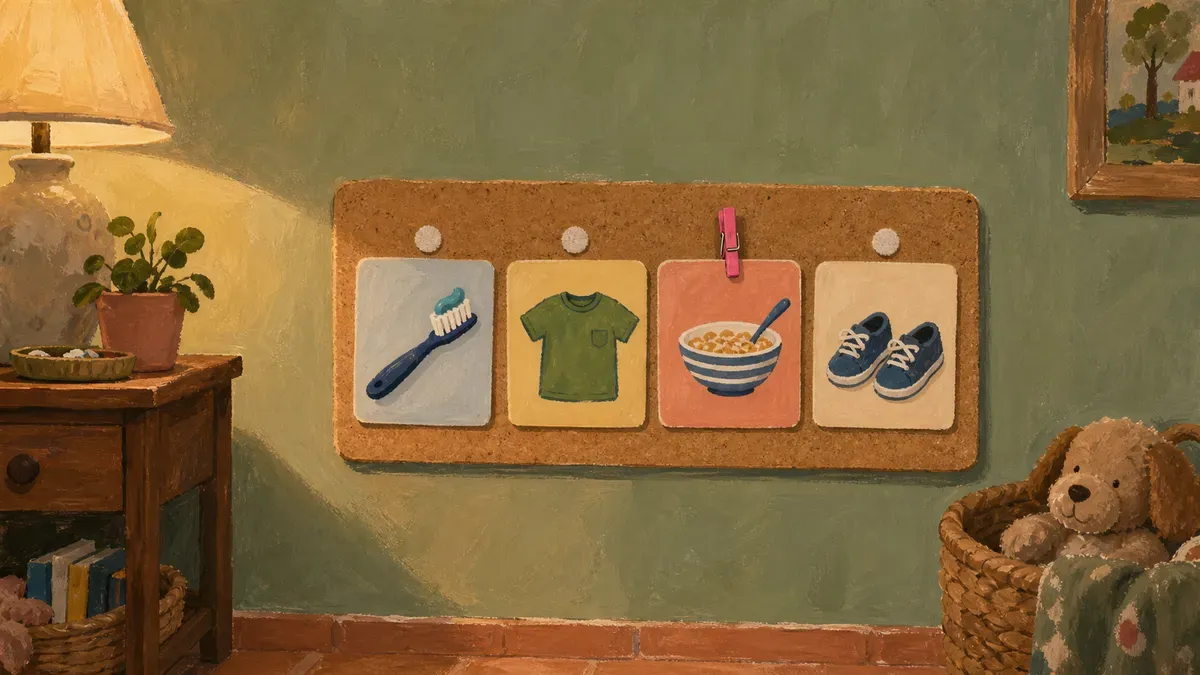
Visual Schedules: A Beginner's Guide for Parents
Most visual schedules fail before day three. Learn how they work and build your first board in 5 steps your child will actually follow. Start today.
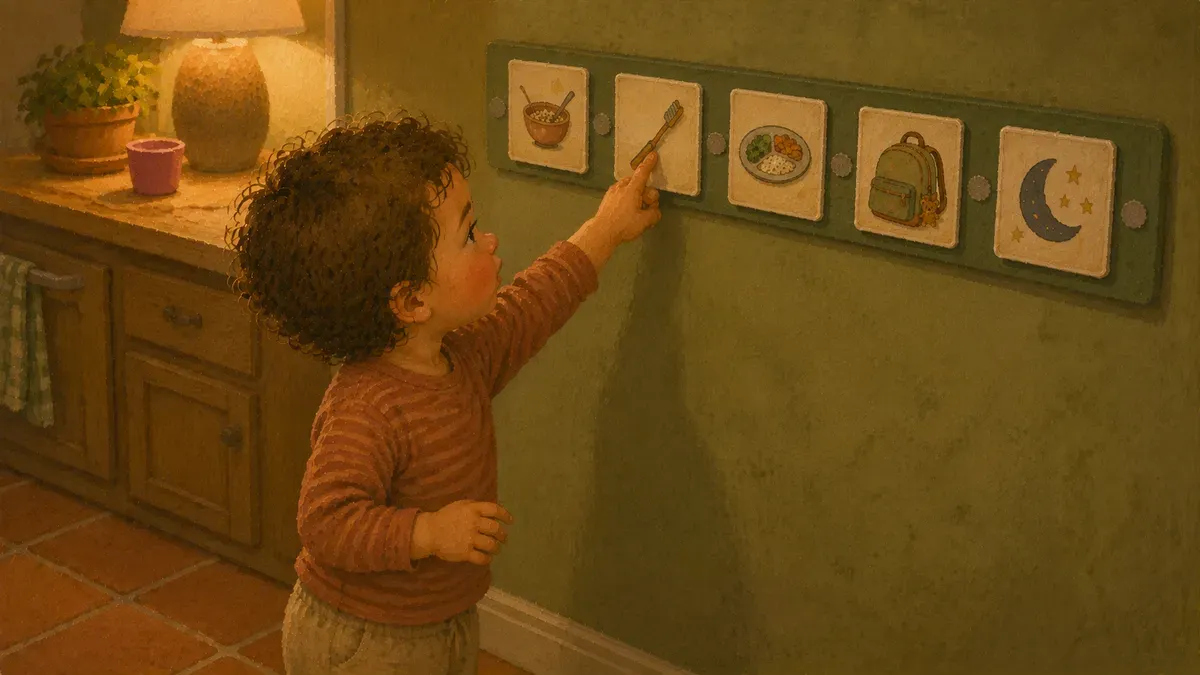
Visual Schedule Autism Home Setup: No-Overwhelm Guide
Visual schedules calm autism home routines. Learn to set up a picture schedule in 3 steps. No overwhelm, no fancy tools.
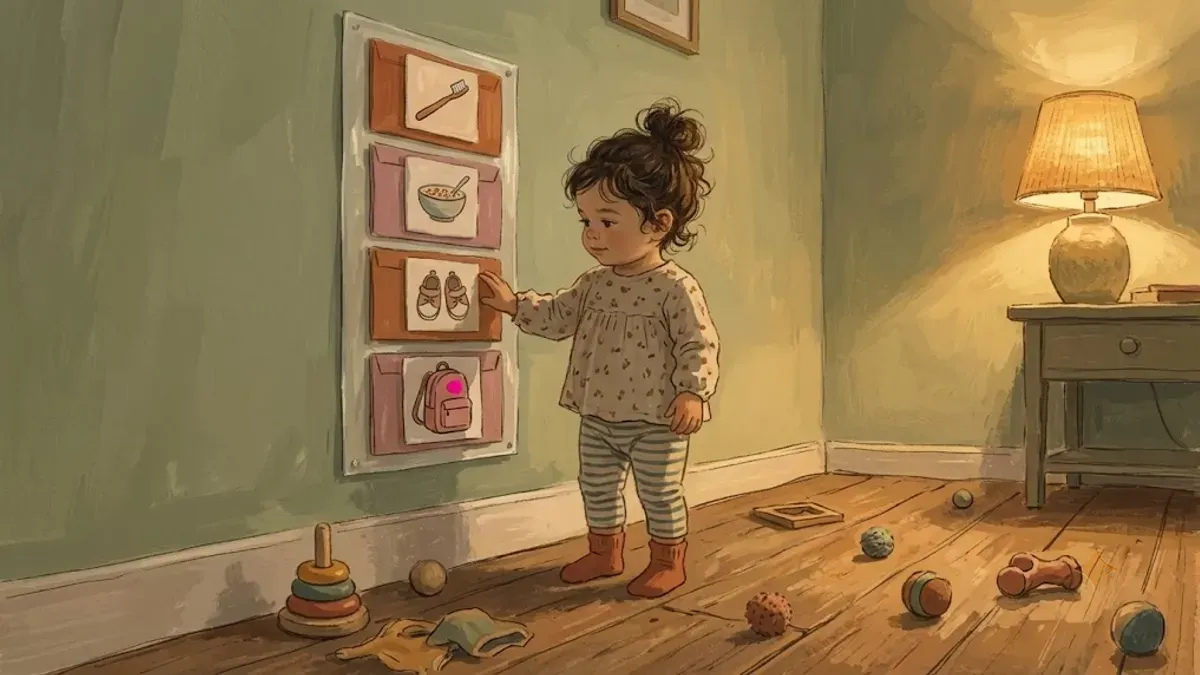
Autism Visual Schedule: What Works for Your Kid
Most autism visual schedules fail because nobody adapts them to the child. Here's how to build one that cuts meltdowns and sticks. Start today.

Free Printable Shower Visual Schedule for Therapy at Home
Grab a free printable shower visual schedule that reinforces your child's speech and OT goals at home. Build it, laminate it, and start tonight.
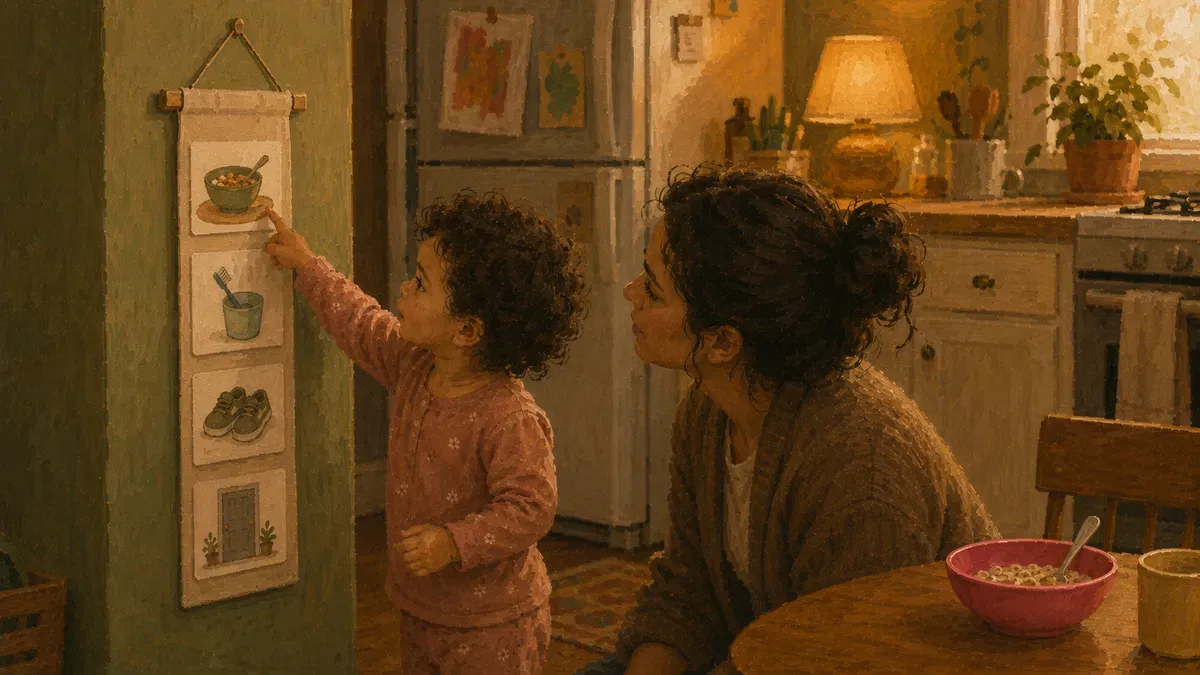
Visual Schedule Template for Toddlers: 5 Steps
Most toddler schedules get ignored by day three. Build a visual schedule template that sticks in 5 steps: materials, layout, and what to do when it stalls.

Written by
Nora Hayes
Mom of two and a former preschool aide. I share the screen-free sensory play and calm-down ideas I test at my own kitchen table, plus what the moms in my little meet-up swear by. A parent passing on what works, not a doctor or a therapist.
More about Nora